# License Management
Lenses require a license file. Receive your trial license here
#### Updating the license
The license update action is dynamic, which means that after inserting/updating the license, there is no need for a user to restart Lenses.
There are a few ways to provide / update license in Lenses:
* Helm chart
* Lenses CLI following this command:
```bash
$ lenses-cli license update ./license.json
```
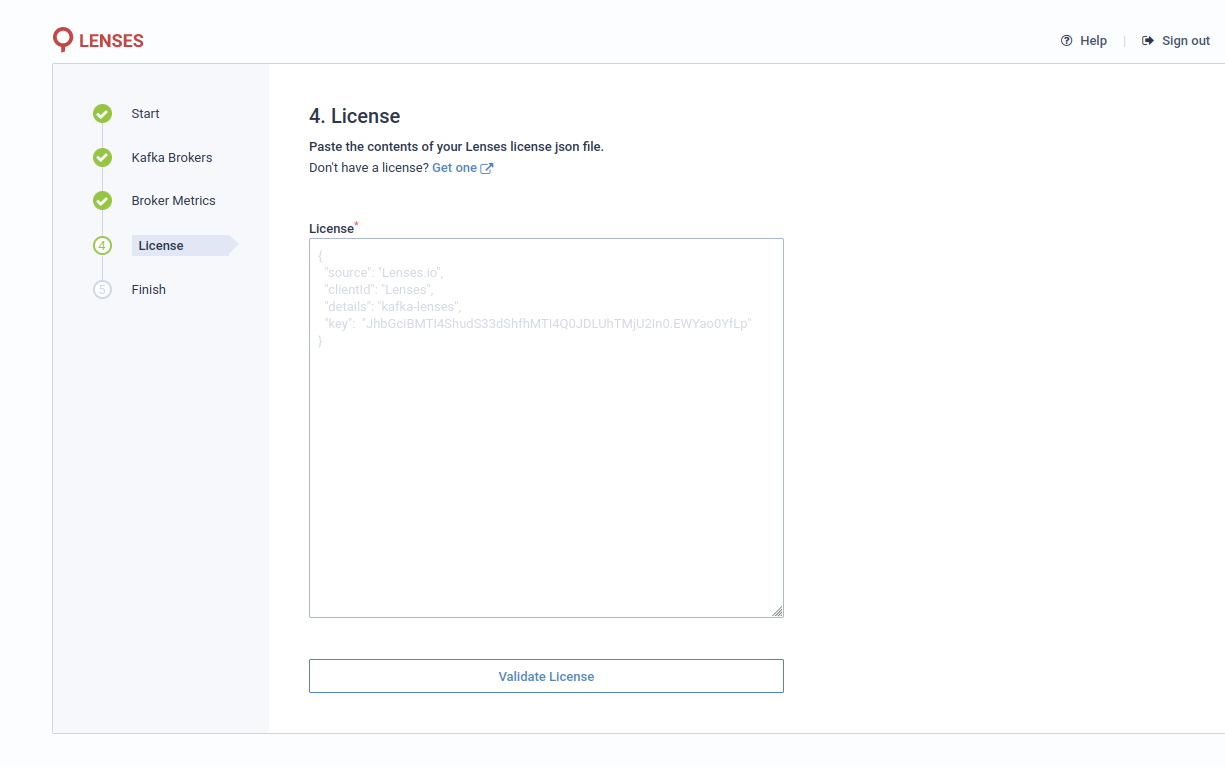
* First-time configuration through Lenses Wizard:
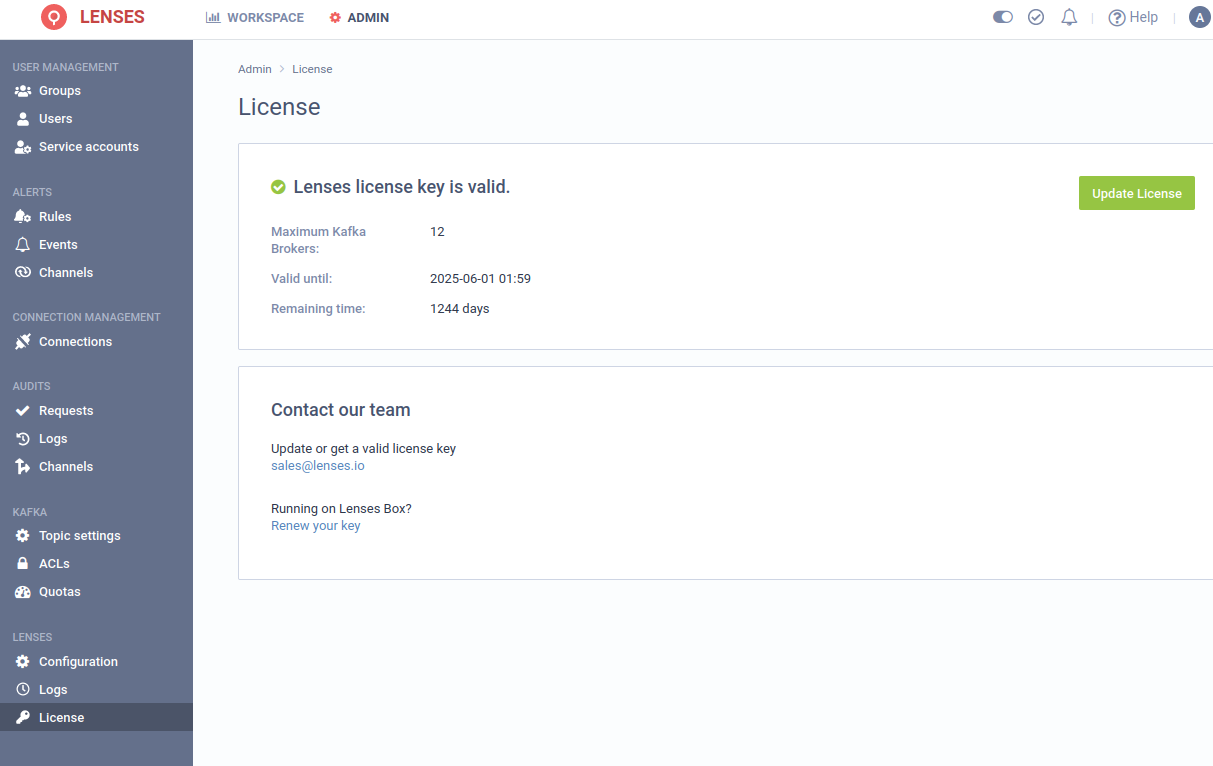
* Lenses UI:
{% hint style="info" %}
**Note**\
The user applying the change requires Manage License permission set up in Lenses.
{% endhint %}
#### License Expired
If at any point license becomes invalid (it expired / too many brokers were added to the cluster), Lenses still will be working, but only the license page will be available.